Your laptop,
in your pocket.
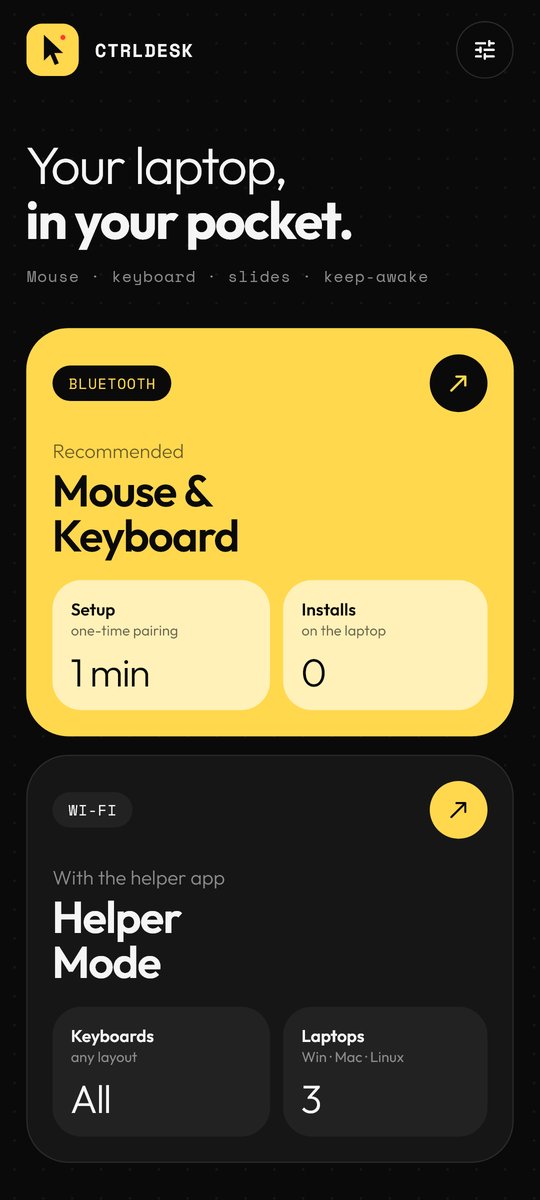
CtrlDesk turns your phone into a real Bluetooth trackpad, keyboard and presentation remote for any laptop. Pair once, like any mouse. Nothing to install on the laptop.
[ Now on Google Play ]
Everything your laptop needs,
one tap away.
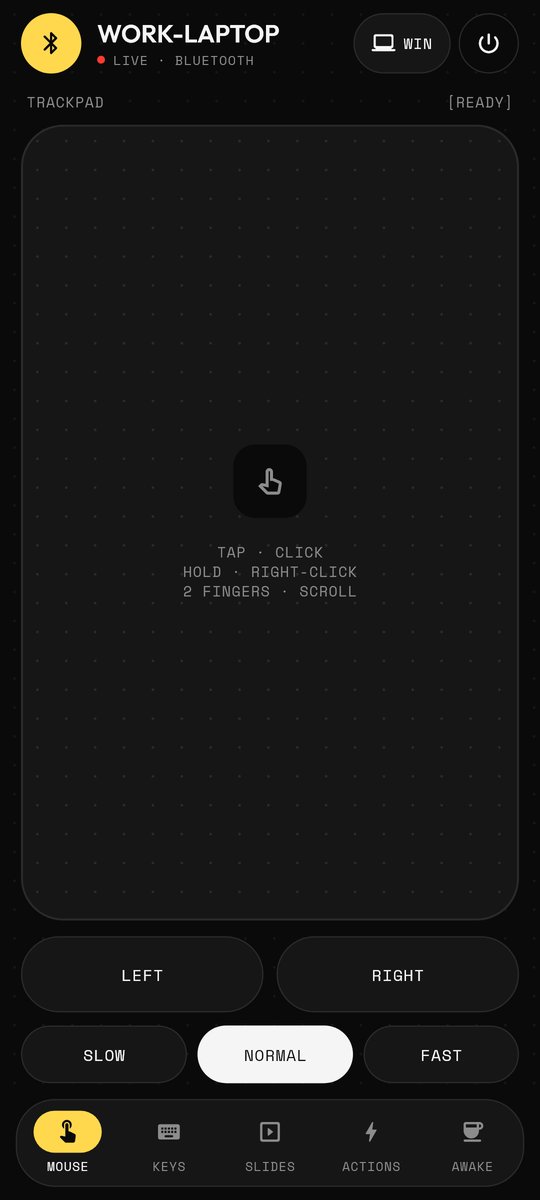
A trackpad that feels right
Tap to click, hold to right-click, two fingers to scroll, hold-to-drag buttons.
Type from your phone
Text appears on the laptop as you type. Arrows, Esc, copy, paste and media keys.
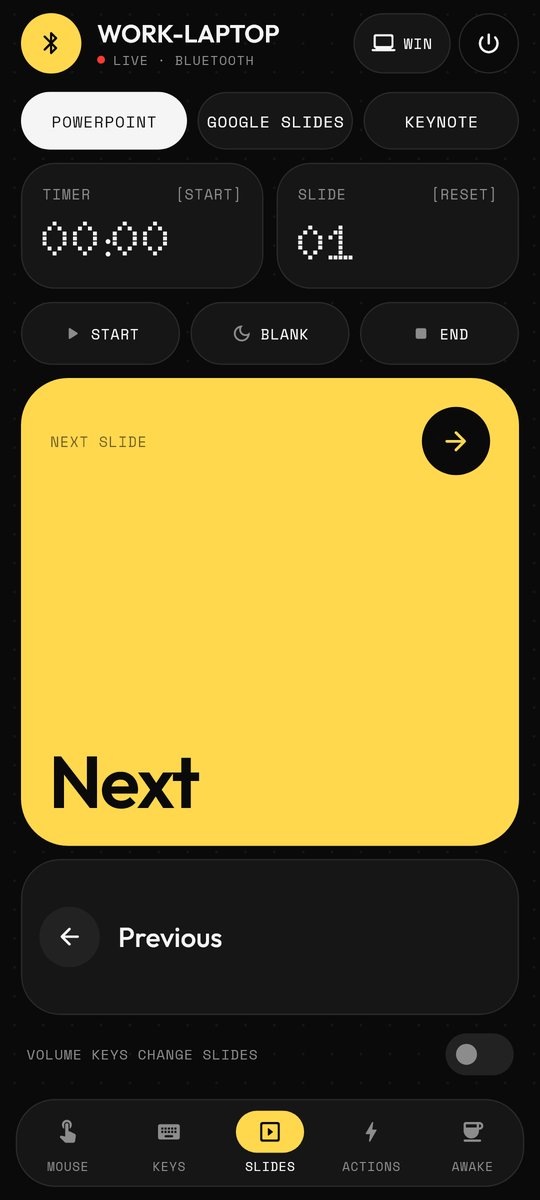
Run the show from your mobile
Start, next, previous, blank and end in PowerPoint, Google Slides or Keynote. Volume buttons change slides.
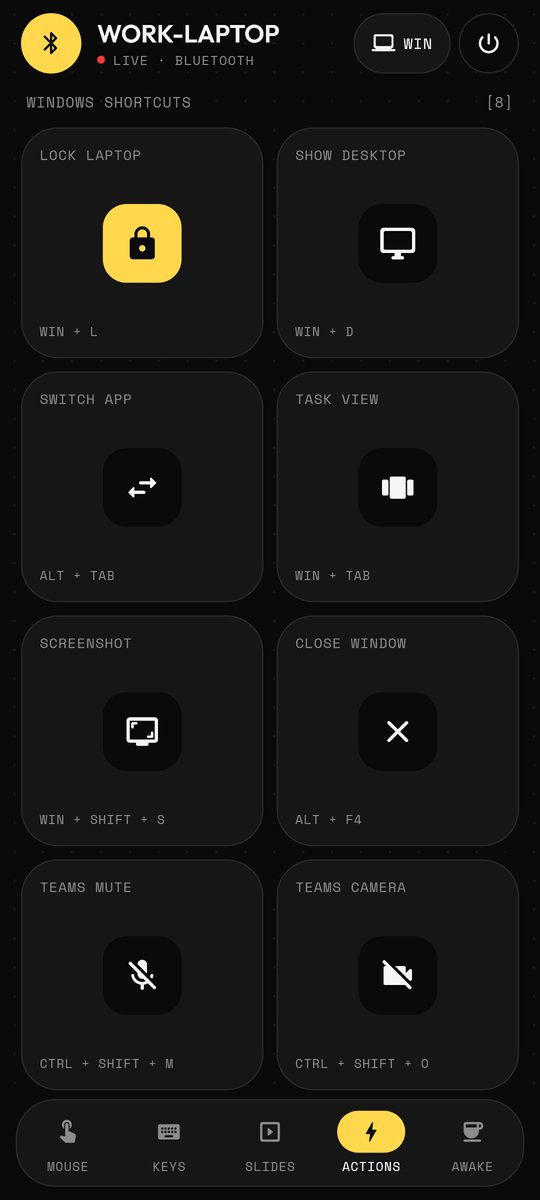
One-tap shortcuts
Lock, show desktop, switch app, screenshot, Teams mute and camera, plus saved text snippets.
Never look away again
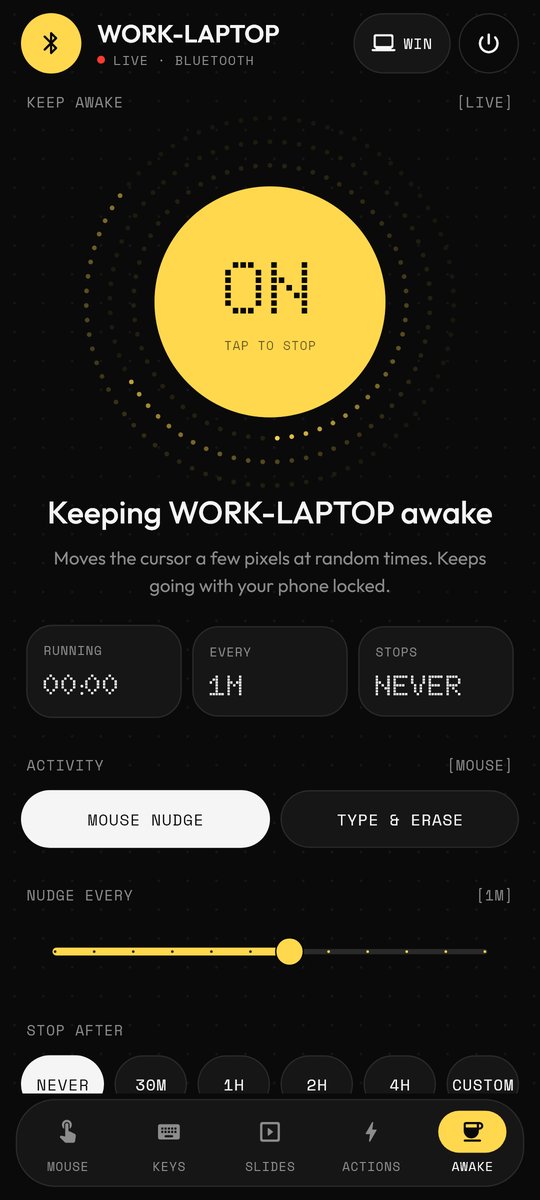
Gentle random cursor nudges keep the laptop awake, even with your phone locked. Auto-stop at a time you pick.
No account, no cloud
No ads, no tracking, no developer-operated app servers. Your controls stay between your phone and your laptop.
Pair once,
reconnects itself.
Open Bluetooth mode
In CtrlDesk, tap Bluetooth, then Make phone visible.
Pair from the laptop
Settings → Bluetooth & devices → Add device → pick your phone, like any mouse.
Take control
Trackpad, keys, slides and keep-awake. Next time it reconnects by itself.
Any keyboard layout,
any OS.
Prefer Wi-Fi, use a Mac or Linux, or type in a non-US layout? Run the CtrlDesk helper on your laptop and connect over TLS. Scan the QR code it shows, or type its address, PIN and certificate fingerprint, so the app verifies your laptop before sending any input.
# needs Python 3
pip install pyautogui cryptography qrcode
python ctrldesk_server.py

# shows a QR code to scan, plus the address, PIN and fingerprint
Questions,
answered.
Do I need to install anything on my laptop?
No. In Bluetooth mode your phone pairs as a standard Bluetooth mouse and keyboard, which Windows, macOS, Linux and ChromeOS support out of the box.
Does it work with a Mac?
Yes. Tap WIN at the top of the control screen to switch it to MAC: copy, paste and shortcuts then use Cmd, and Start uses the Mac keys for PowerPoint, Google Slides and Keynote. If your Mac asks you to identify the keyboard, pick ANSI (US).
Which phones work?
Android 9 or newer. A few manufacturers disable the Bluetooth keyboard/mouse feature; the app tells you if yours does. iPhone doesn't allow apps to act as a Bluetooth mouse.
Will keep-awake work with my phone locked?
Yes. It runs in the background with an ongoing notification you can stop at any time. For long sessions, keep the phone charging.
Why doesn't my laptop see the phone as a mouse?
Pair while CtrlDesk is open on the Bluetooth screen. If you paired earlier, remove the phone from the laptop's Bluetooth list and pair again.
Does CtrlDesk collect any data?
We receive no app input or telemetry. Your controls go directly to your chosen laptop over paired Bluetooth or verified TLS, and your saved settings stay in private app storage with Android backup disabled. The optional helper runs on your laptop. See the privacy policy.